
Jack Skellington Pumpkin T-shirt with Free SVG
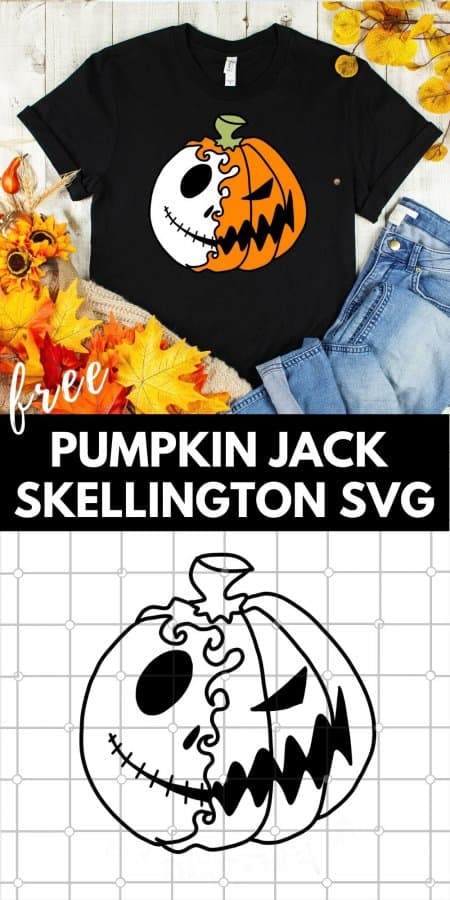
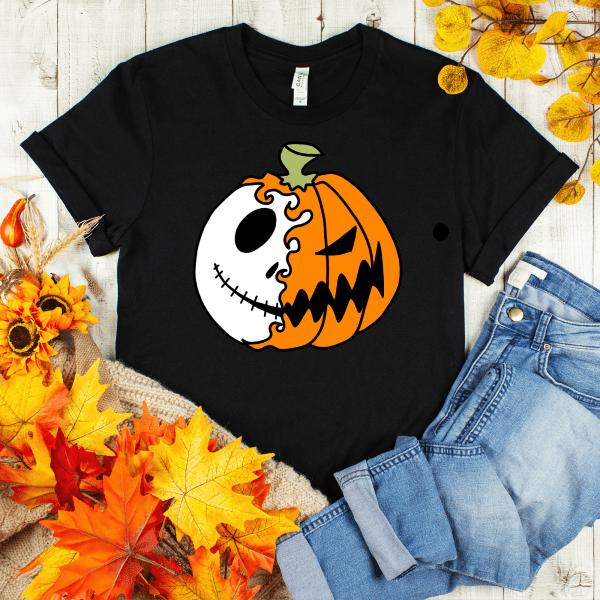
This free pumpkin Jack Skellington T-shirt SVG cut file is perfect for creating a festive t-shirt for Halloween. Grab the file to create your own!
Too busy to make this right away?! Pin it for later! Pin this project to your favorite craft board on Pinterest and it’ll be waiting for you when you’re ready.
We are huge fans of Jack Skellington around here! Some of our other awesome Jack inspired projects include: this Jack Skellington Door Printable, a Jack Skellington Mason Jar Piggy Bank and these easy Jack Skellington Oreo Cookie Pops.
Be sure to check out our most recent Jack project, this epic Nightmare Before Christmas tree!
This post contains affiliate links.
How to Create a T-shirt with Iron On Vinyl:
- Upload the image you want to cut to the Silhouette Studio software.
- Use the software to enlarge, edit and flip the image. Images that are going to be printed onto heat transfer vinyl (HTV) must be flipped so that the text can be cut and ironed onto the t-shirt facing the correct way.
- Cut the image out of HTV using the Silhouette Cameo (or similar cutting machine).
- Weed the excess vinyl from the image using the Silhouette weeding tool.
- Place the image onto the t-shirt with the sticky carrier sheet facing down. Double check that your image is facing the right way.
- Cover the carrier sheet with a large piece of parchment paper or cotton cloth.
- Press with an iron (I use this Iron from Black & Decker), set to high heat with zero steam, for 15 – 30 seconds. Move the iron around the image applying firm pressure until it is set.
- Peel the carrier sheet off and you’re all done!
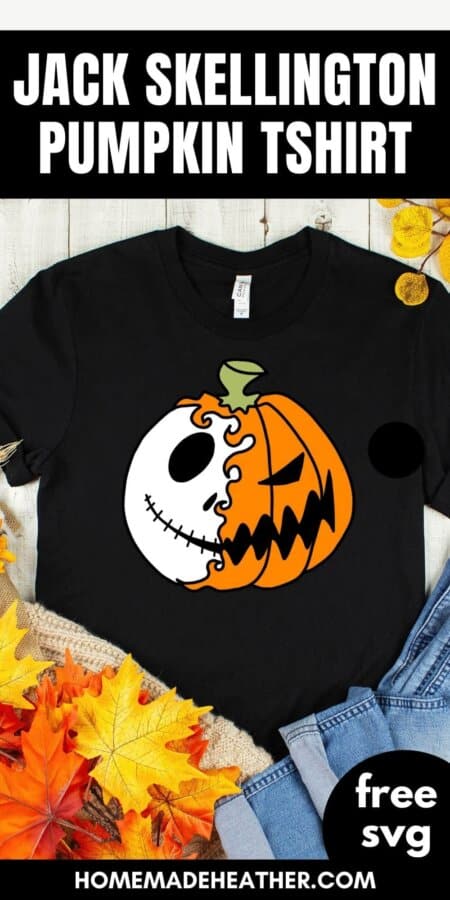
You can download the free SVG files here:
Enter your name and email below to get an instant download of the files! You are then registered for my weekly email Newsletter that is full of fun recipes, easy crafts, and free printables.
File Usage
- All digital files on Homemade Heather are for personal use only.
- Please direct others to the original website link when sharing.
- Digital reselling, resharing, or distribution is prohibited and NOT allowed.
Update with cut file layers:
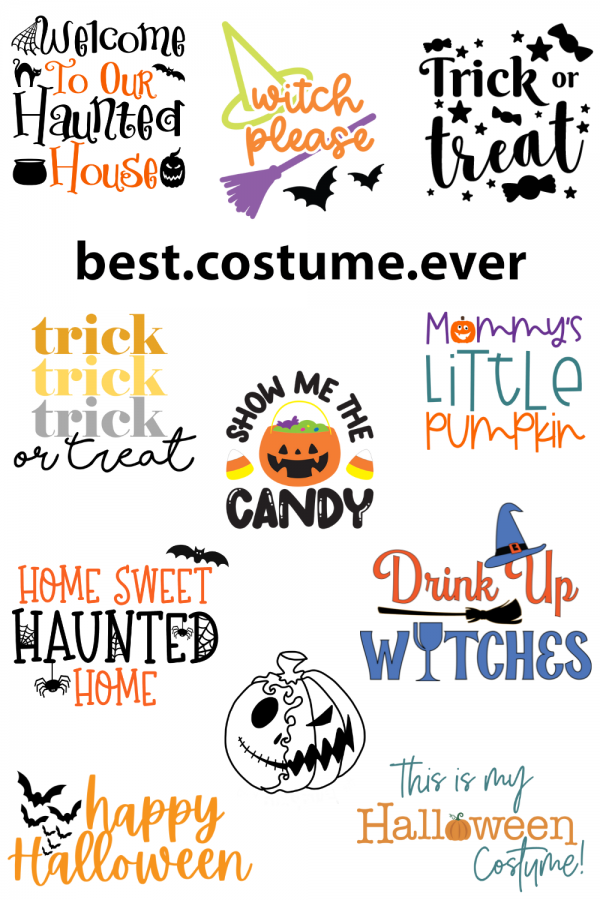
Be sure to check out all of the fun Halloween SVGs in our Blog Hop!
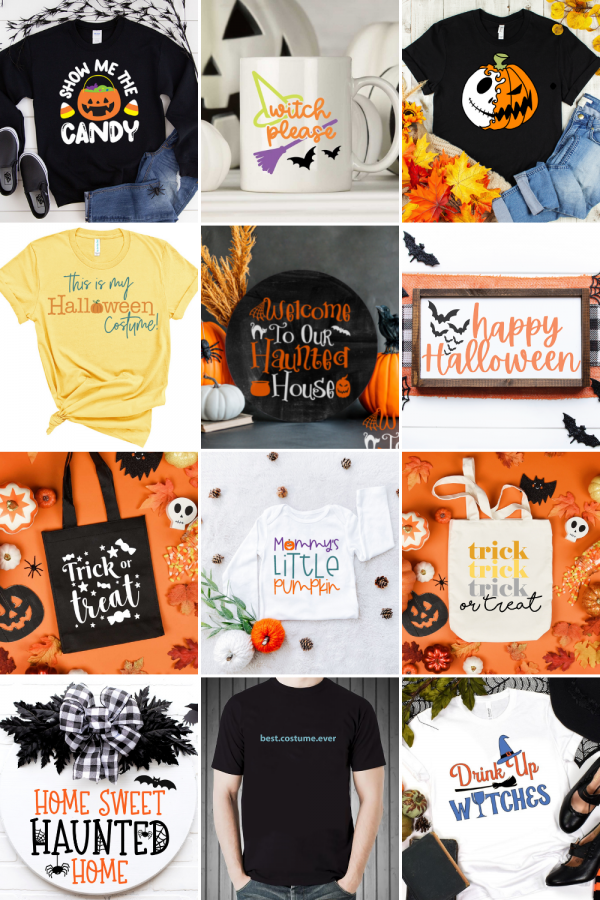
- Witch Please from That’s What Che Said
- This is My Costume from We Can Make That!
- Drink Up Witches from Leap of Faith Crafting
- Trick or Treat from unOriginal Mom
- Best Costume Ever from Try It. Like It. Create It.
- Welcome to Our Haunted House from Hello Creative Family
- Home Sweet Haunted Home from Kara Creates
- Happy Halloween from Everyday Party Magazine
- Show Me the Candy from Artsy-Fartsy Mama
- Mommy’s/Daddy’s Little Pumpkin from The Girl Creative
- The Pumpkin King from Homemade Heather
- Trick or Treat from Weekend Craft
If you love this Jack Skellington Inspired T-shirt, please help me share it on Facebook and Pinterest so that others can enjoy it too!

How do I get it to be different colors?
You can print it on different colored vinyl using silhouette design space.
I know how to make it the different colors with vinyl but how do I get the png file to be in the different colors to I can sublimate??
I haven’t experimented with sublimation but I know that my friend Angie at the Country Chic Cottage has some great tutorials on her blog and Youtube. Sorry that I can’t be more helpful!
I tried to separate in my software with no luck. I really do not understand how you were able to change the colors.
I’ve updated the post with cut file layers for you. Hope that helps :)
Trace each layer in your software, cut iron-on vinyl in the desired color and iron onto a black t-shirt.
Thank you. Just cannot figure out how to resize to make for my little ones
In Silhouette Studio the images can be resized using the toggle tool. Hope this helps!
Hello – this is so cute. I am trying to use my Cricut and need an SVG. But the SVG isn’t separated until colored cuts. I’m not sure how to do it? I see you have PNG files separated by color but do you also have SVG somewhere?
Shoot – sorry I only have the PNGs separated by color as I’m a Sillouette user. Let me see if I can tinker and get the SVGs for you.